Plan Sync with Intervals.icu
Intervals.icu is currently the only platform that supports full plan synchronization with PlanWatts.
Getting Started
- Connect your Intervals.icu account in Settings > Integrations
- Go to Plans page and click New Plan > Import Annual Training Plan
That's it. PlanWatts pulls your ATP phases, weekly TSS targets, and structure automatically.
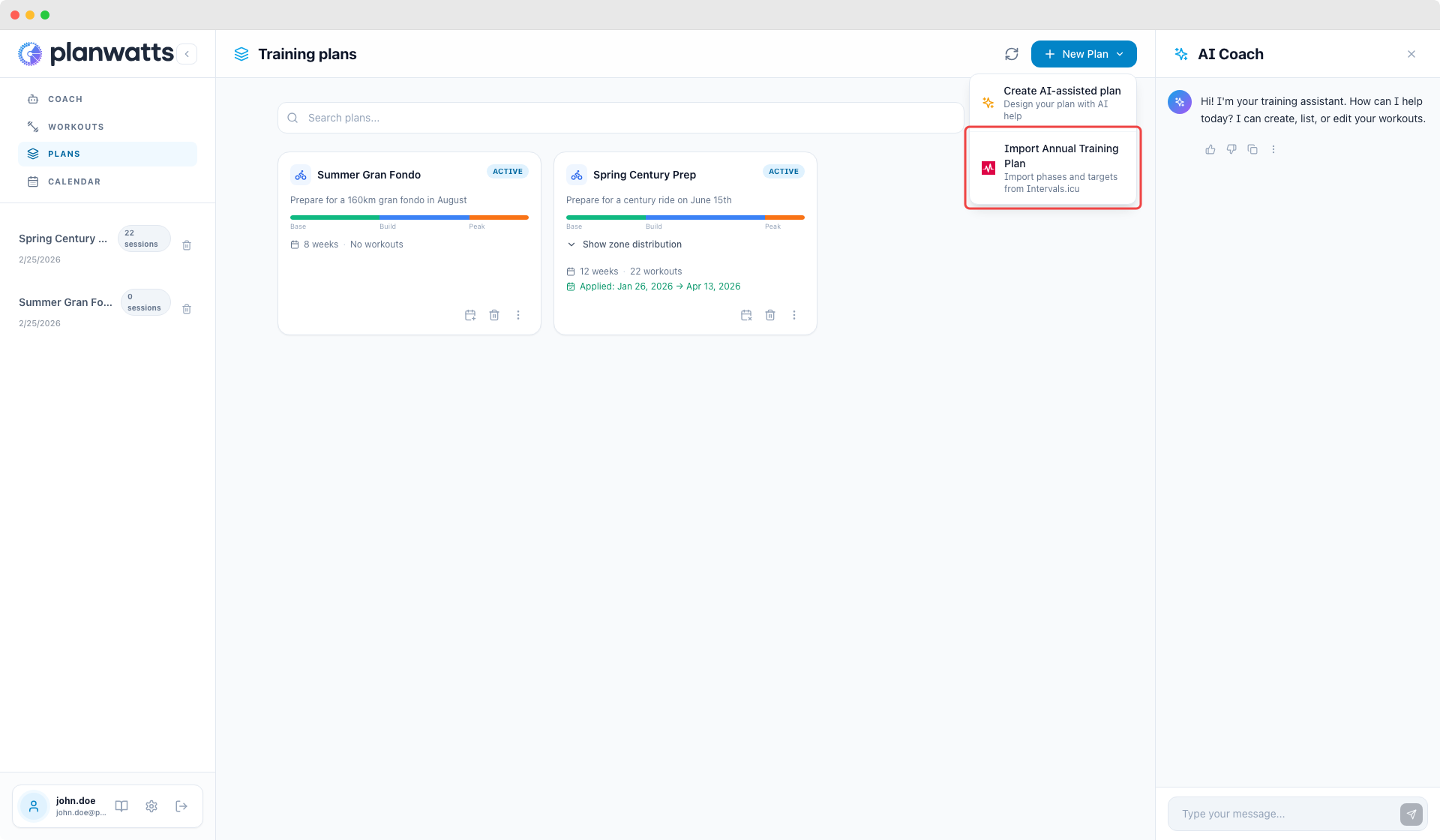
For the full guide on connecting accounts, see Getting Connected.
Multi-Sport / Triathlon ATPs
If your Intervals.icu ATP covers multiple sports, PlanWatts automatically creates one plan per sport. A 3-sport triathlon ATP becomes 3 independent plans.
Re-importing updates each sport plan individually.
Note: Because Intervals.icu doesn't expose an explicit plan ID, PlanWatts groups phases by sport type. Two consecutive same-sport plans with no gap will be imported as one. Leave a gap of at least one week between them.
What You Get After Importing
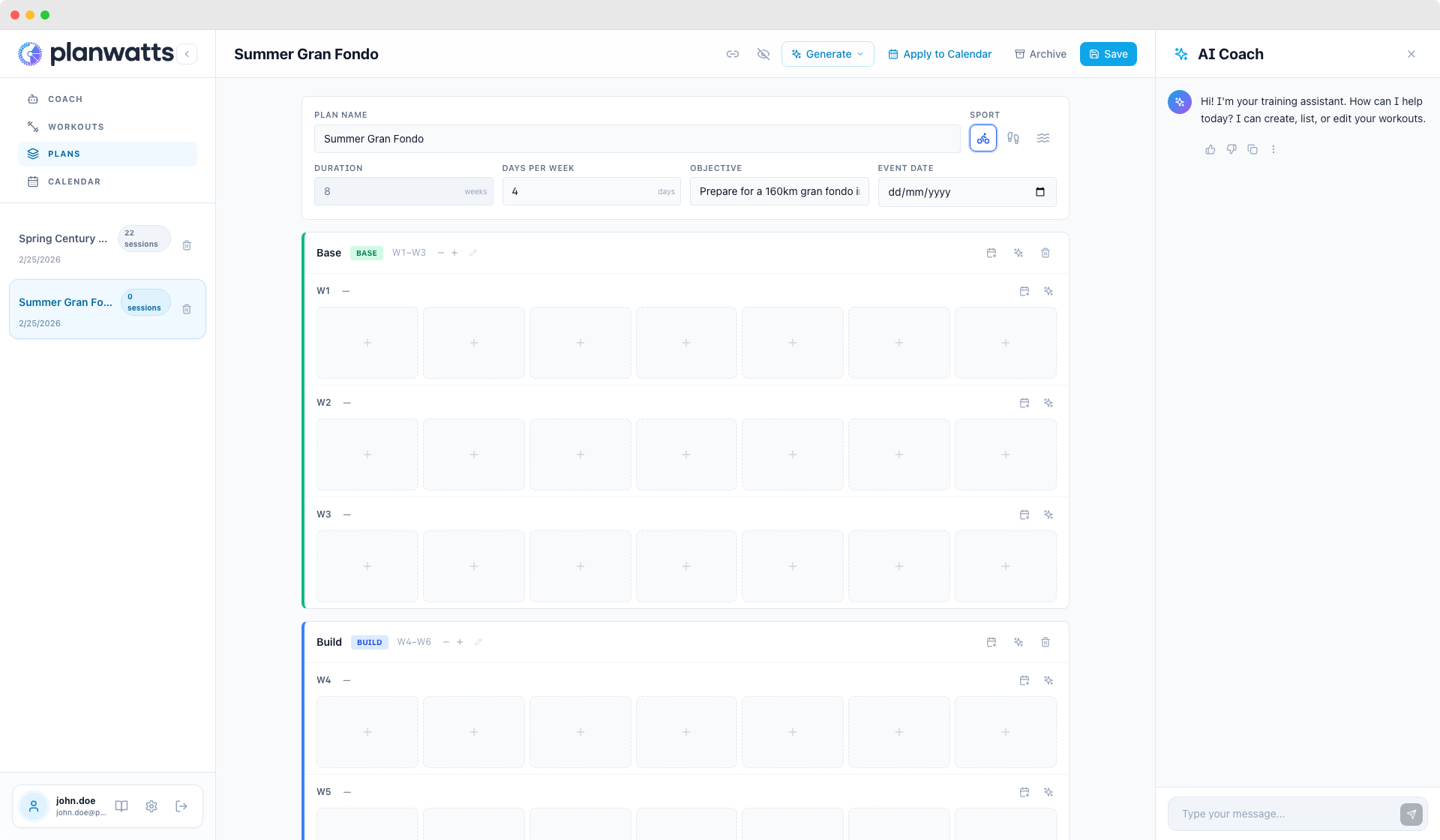
Each imported plan arrives as a skeleton — phases and weekly TSS targets, but empty grid. No workouts yet.
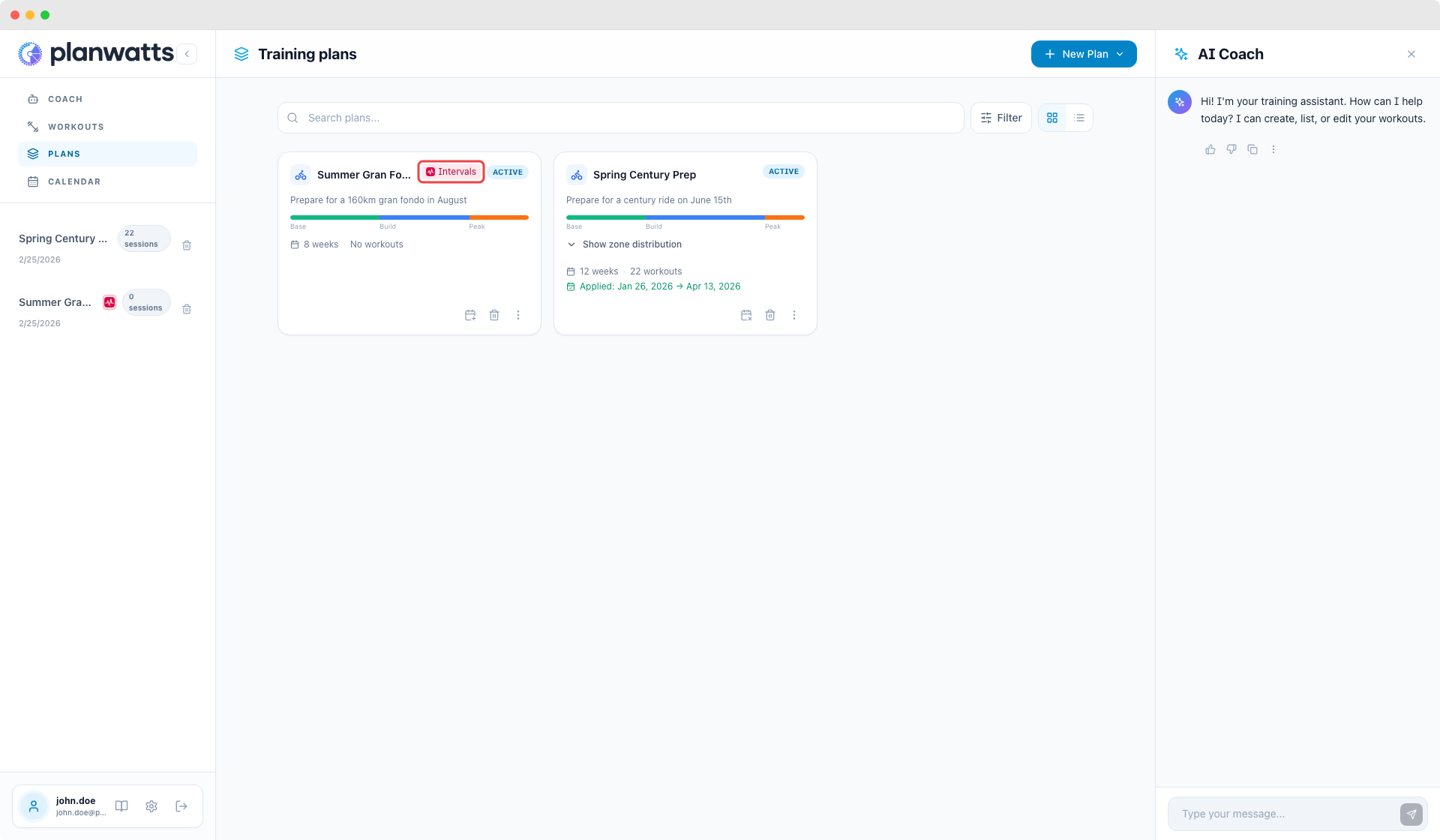
On the plans list, imported plans show an Intervals.icu badge.
Filling the Plan with Workouts
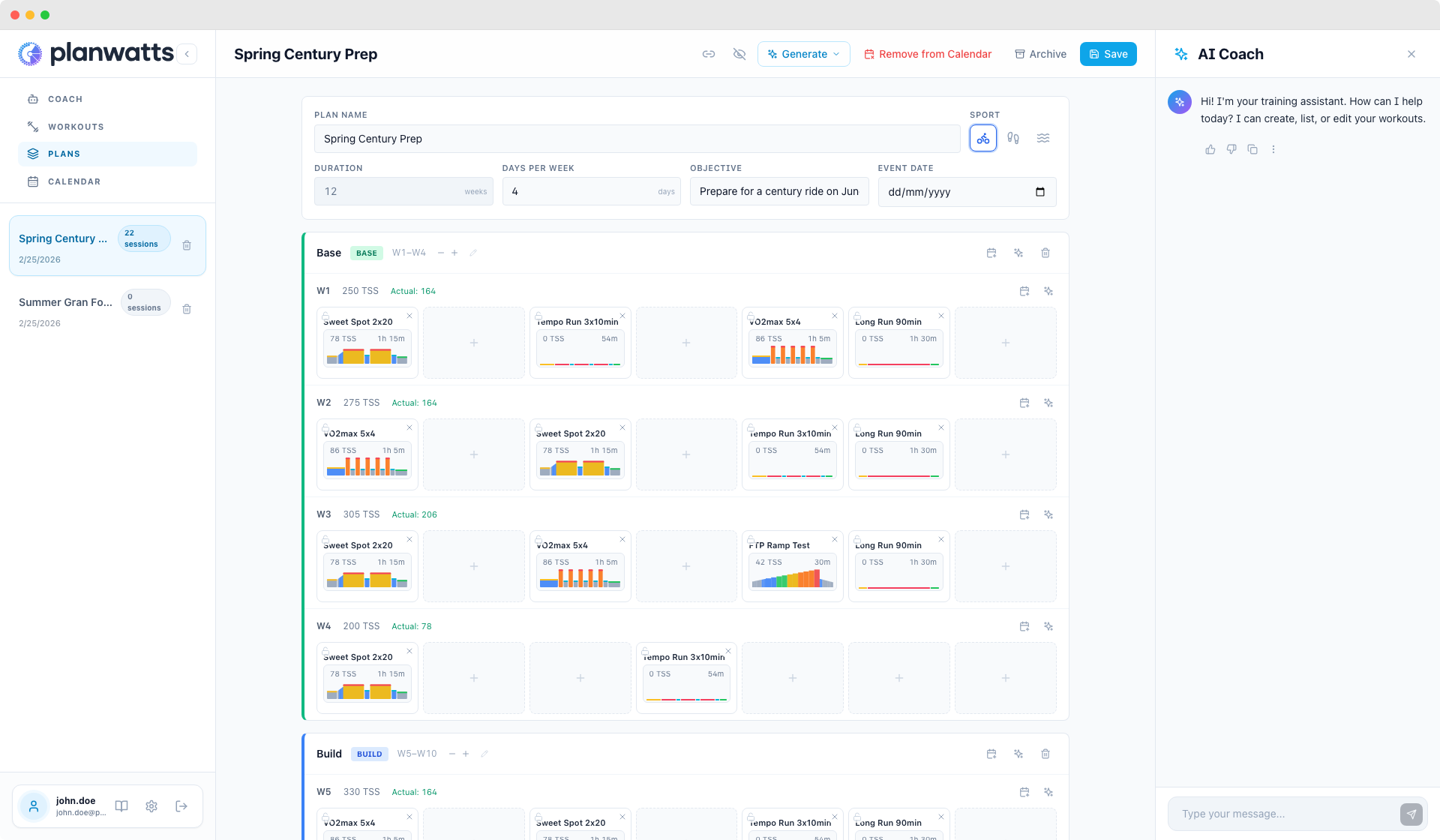
Use the generate buttons to fill the skeleton with AI-generated workouts:
- Entire plan, Per phase, Per week
See Generating Workouts for Your Plan for the full breakdown.
Applying to the Calendar
Once your plan has workouts:
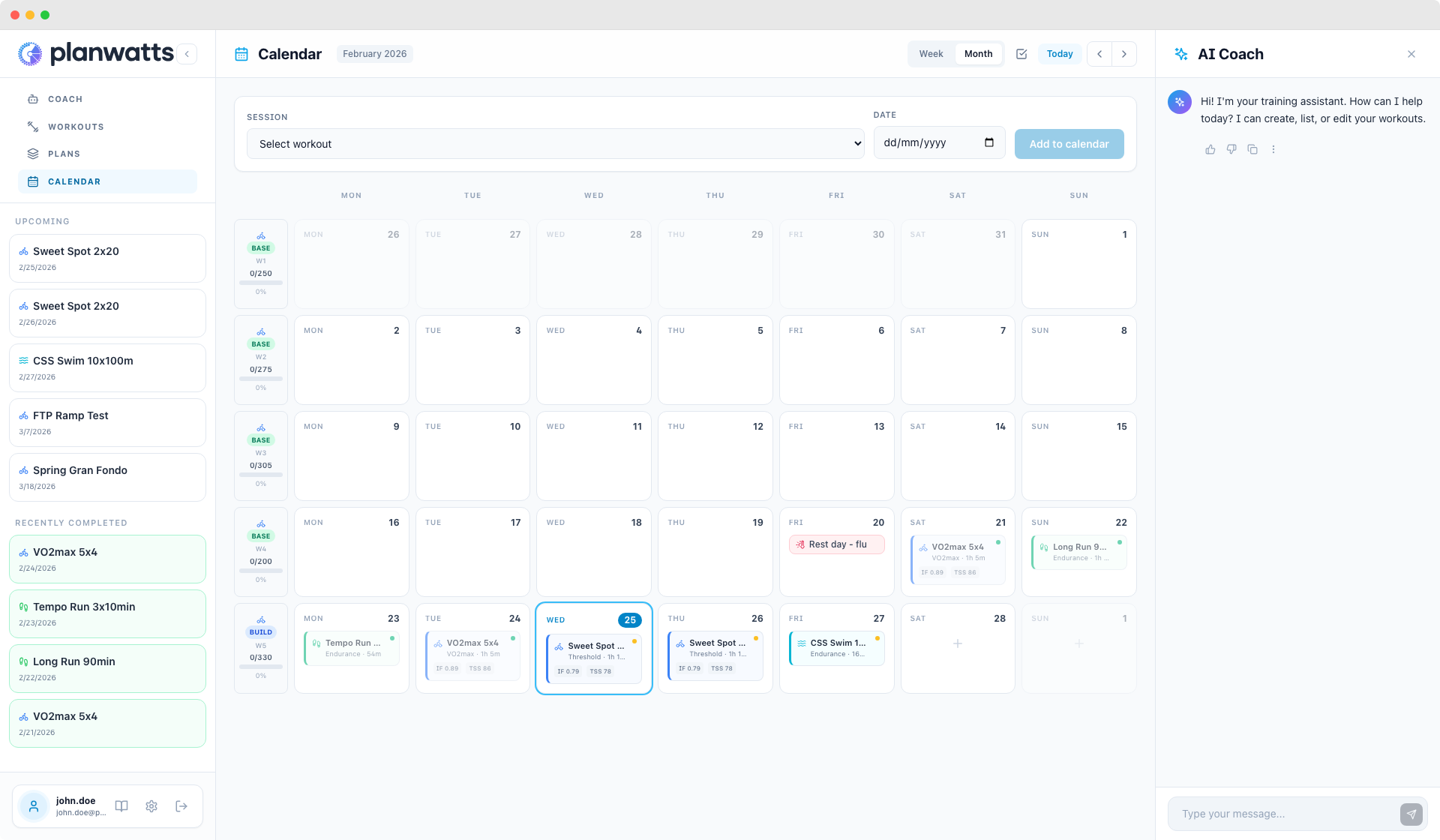
- Full plan — Apply to Calendar, pick start date and training days
- Phase by phase — each phase header has an apply button
- Week by week — each week row has its own apply/remove button
Applied workouts sync to Intervals.icu and other connected platforms immediately.
Plans Created in PlanWatts Sync Back
Plans you create in PlanWatts also sync to Intervals.icu:
- The plan structure appears as an ATP
- Individual workouts sync to the Intervals.icu calendar
- Edits propagate automatically
How Sync Works
- Workout sync is immediate
- Plan structure syncs on apply
- Activity data flows back
See also
- Training Plans — creating plans with AI, applying to calendar, weekly targets, and propagation
- Plan Workouts — generating workouts with AI, picking from your library, and exporting without Intervals.icu