Calendar Sync & Operations
1. Sync & Integrations
This is where PlanWatts really shines for athletes who use multiple platforms.
Manual Sync
The Sync button in the calendar toolbar fetches the latest data from all your connected platforms. One click and PlanWatts pulls in new activities, updates existing ones, and pushes any locally-created schedules to Intervals.icu.
View-Aware Sync (Backfill)
This is a detail I'm particularly proud of. When you navigate to a past month — say, October 2025 — and hit Sync, PlanWatts doesn't just fetch your recent data. It fetches data for that specific time range from Intervals.icu. This means you can backfill your entire training history by scrolling back through months and syncing. No special import tool needed.
Real-Time Webhooks
If Strava is connected, completed activities appear on your calendar automatically — no sync button required. Strava sends a webhook the moment you finish and save a ride or run, and PlanWatts processes it in the background.
Cross-Provider Deduplication
Use both Strava and Intervals.icu? PlanWatts handles it. Activities are matched by Strava ID first, then by date + sport + duration as a fallback. You'll never see duplicate entries for the same ride. The merged event shows badges for both platforms.
Schedule Push
When you create a workout directly on the PlanWatts calendar (or apply a plan), those schedules push to Intervals.icu on sync. Your Intervals calendar stays in sync without you having to manage it separately.
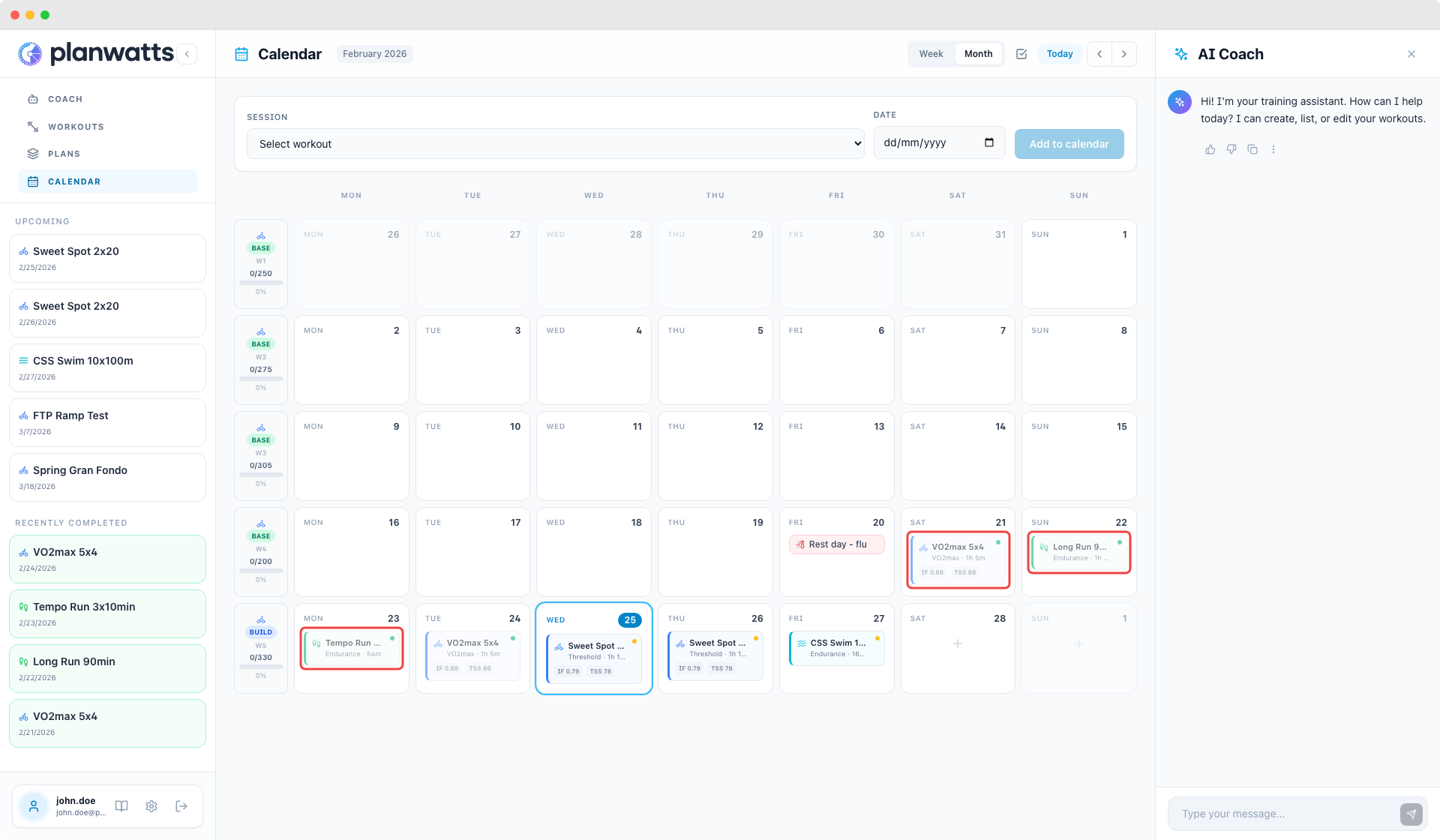
2. Bulk Operations
When you need to clean up or reorganize, selection mode saves a lot of clicking.
How It Works
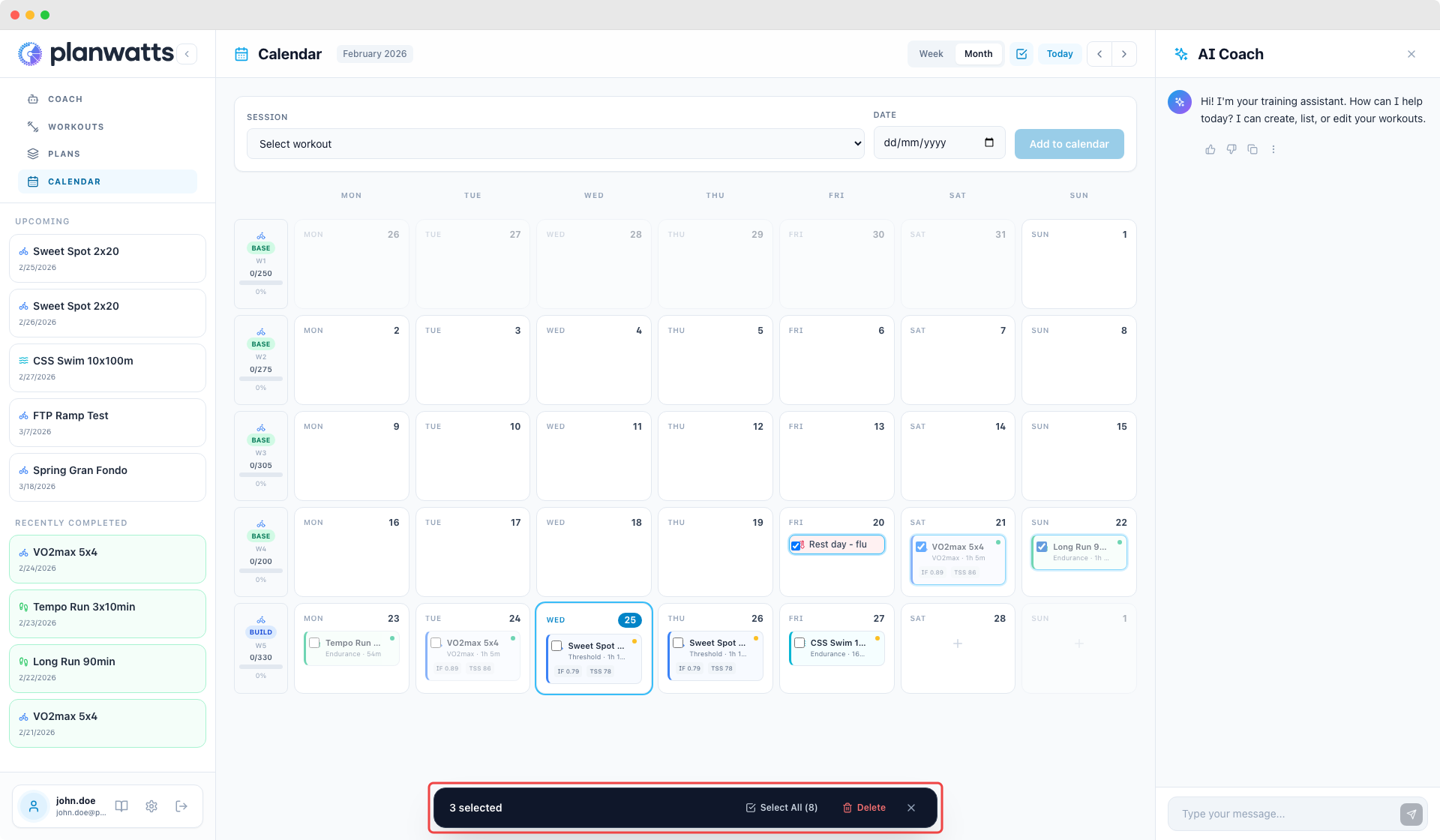
- Toggle selection mode from the calendar toolbar
- Checkboxes appear on every event card
- Click to select the events you want to act on
- Hit Delete to remove all selected events at once
Platform Sync on Delete
When deleting, PlanWatts asks if you also want to delete the events from Intervals.icu. If you say yes, the deletion syncs — your Intervals calendar stays clean too. If you say no, PlanWatts only removes them locally.
See also
- Calendar — views, workout cards, and scheduling
- Calendar Events & Details — event modal, event types, weekly summary, and sidebar